
A review of Dataslayer.ai, a Looker Studio connector with an AI touch
Over time, we've talked about lots of connectors, but sometimes you need to get out your confort zone and keep discovering new players in the market. Today, Dataslayer.ai
When working on projects for our clients, shall it be an agency, an e-commerce or just a company that wants nice dataviz, we never forced them to take a given connector. Depending on the requirements (and mostly the budget, let’s be honest here), we made recommendations of 2/3 tools that we believed were best-fits for the use case. But we became lazy, and always focused on the same (very good) 7 tools. It’s time to expand our horizon. So in this article, a review of dataslayer.ai, a Looker Studio connector with an AI touch that’s worth to be mentioned.
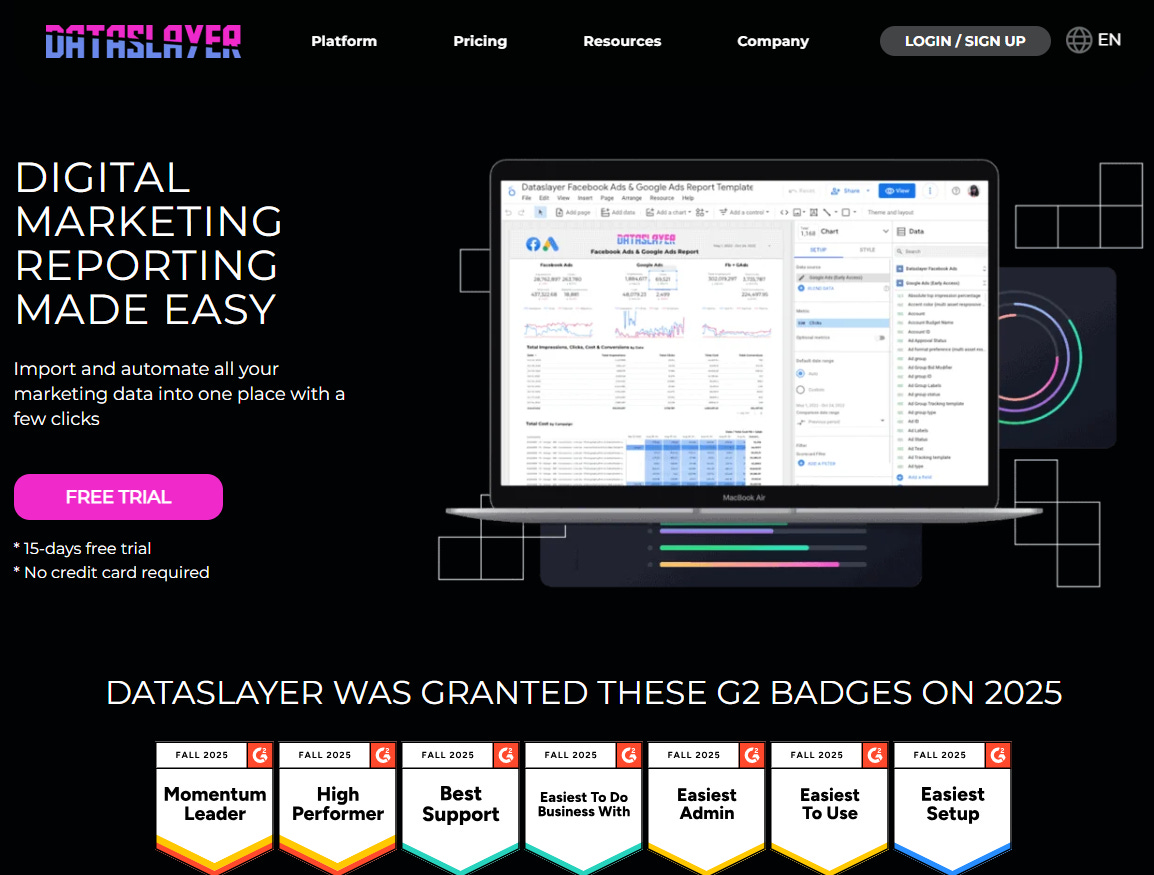
Top Looker Studio connectors we love and use on a daily basis (all with free trials): PMA - Windsor - Supermetrics - Catchr - Funnel - Dataslayer. Reviews here and there.
Not sure which one to pick? Have a question? Need a pro to get a project done? Contact us on LinkedIn or by e-mail, and we’ll clear up any doubt you might have.
Looking for Looker Studio courses? We don’t have any… but you can check Udemy!
First of all: is this a sponsored article? No. We wrote it on our own will to propose useful contents to our readers and didn’t receive any money for this (although we wish!). Yes, we are affiliates of dataslayer.ai, but not only: we’re affiliates to pretty much all connectors on the market! Every little bit helps these days. Nevertheless we don’t make more than Monopoly money with these affiliate links here and there (unfortunately…), very few people click on them, almost no one converts!
So with no further delay, what do we have here?!
More than 60 data sources, covering most use cases we’ve faced so far
When reviewing a connector, we always look first at the data sources available. Some connectors offer +400 data sources, out of which +380 we usually don’t even know…
Dataslayer.ai offers more than 60 data sources, covering the most popular ones (GA4, Ads like Google Meta & TikTok, Insights for most social medias, CMS like Shopify or Woocommerce, CRM like Hubspot MailChimp & Klaviyo, …). So on this side, unless you’re coming with a very specific need, you should find what you’re looking for.
Destination: we focus on Looker Studio, but they also cover the rest
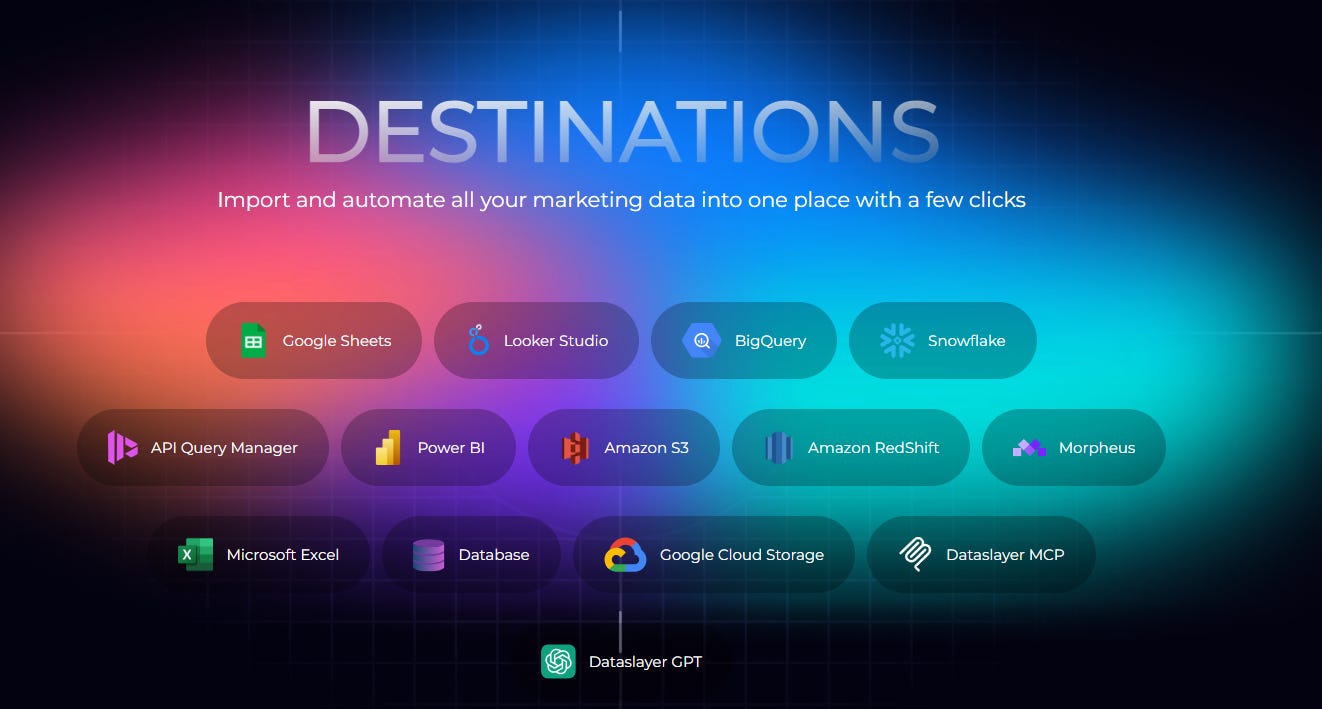
Obviously this is a Looker Studio blog and guess what, they do send data to Looker Studio (no kidding Einstein ^^). But, worth to be mentioned they also cover other destinations, and we’re sure many will pay attention to the Dataslayer GPT (where you can ask questions to analyze the data you’ve connected, seems cool right?!):
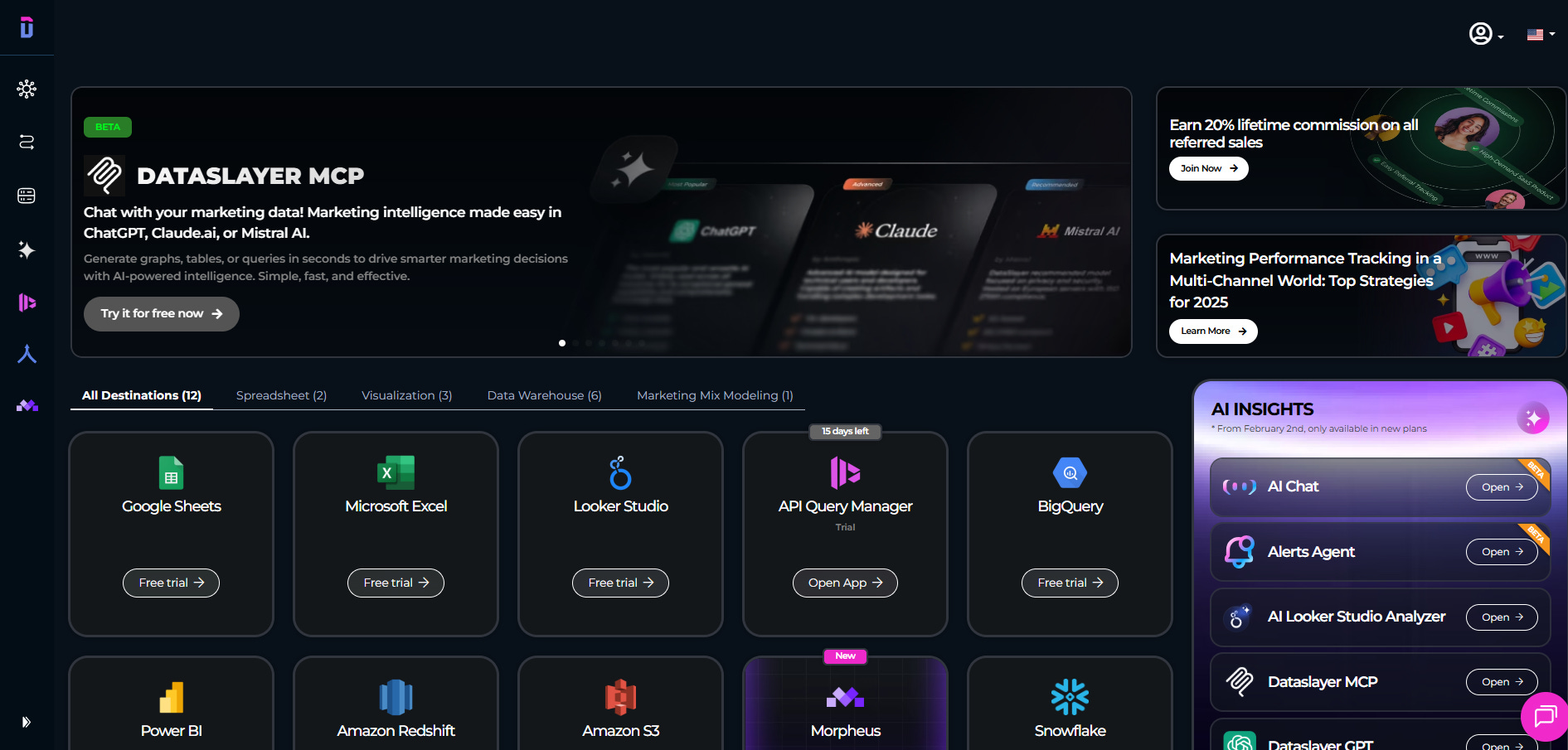
14 days free trial, and a nice interface!
So, we opened a new account taking advantage of the 14 days free trial, and started playing around. If you’re familiar with Looker Studio connectors, you’ll find all features you already know (with a nice dark theme!).
On the menu, data source hub (where you add your data sources), destinations (as mentioned previously, Looker Studio, but not only), an integrated data blender (at the time of writing these lines, not yet ready for Looker Studio, but we’re sure it’ll come at some point), and a nice MMM feature called Morpheus (not our topic today, but we’re sure many of you would be interested!).
Add data sources yourself, or ask a colleague / client to do it for you
Let’s connect a few data sources by clicking on the Data Source Hub. Pretty straight-forward, as usual, select your data source, grant access, connect. Nice feature, you can also share a link for someone else to connect their data sources to your hub.
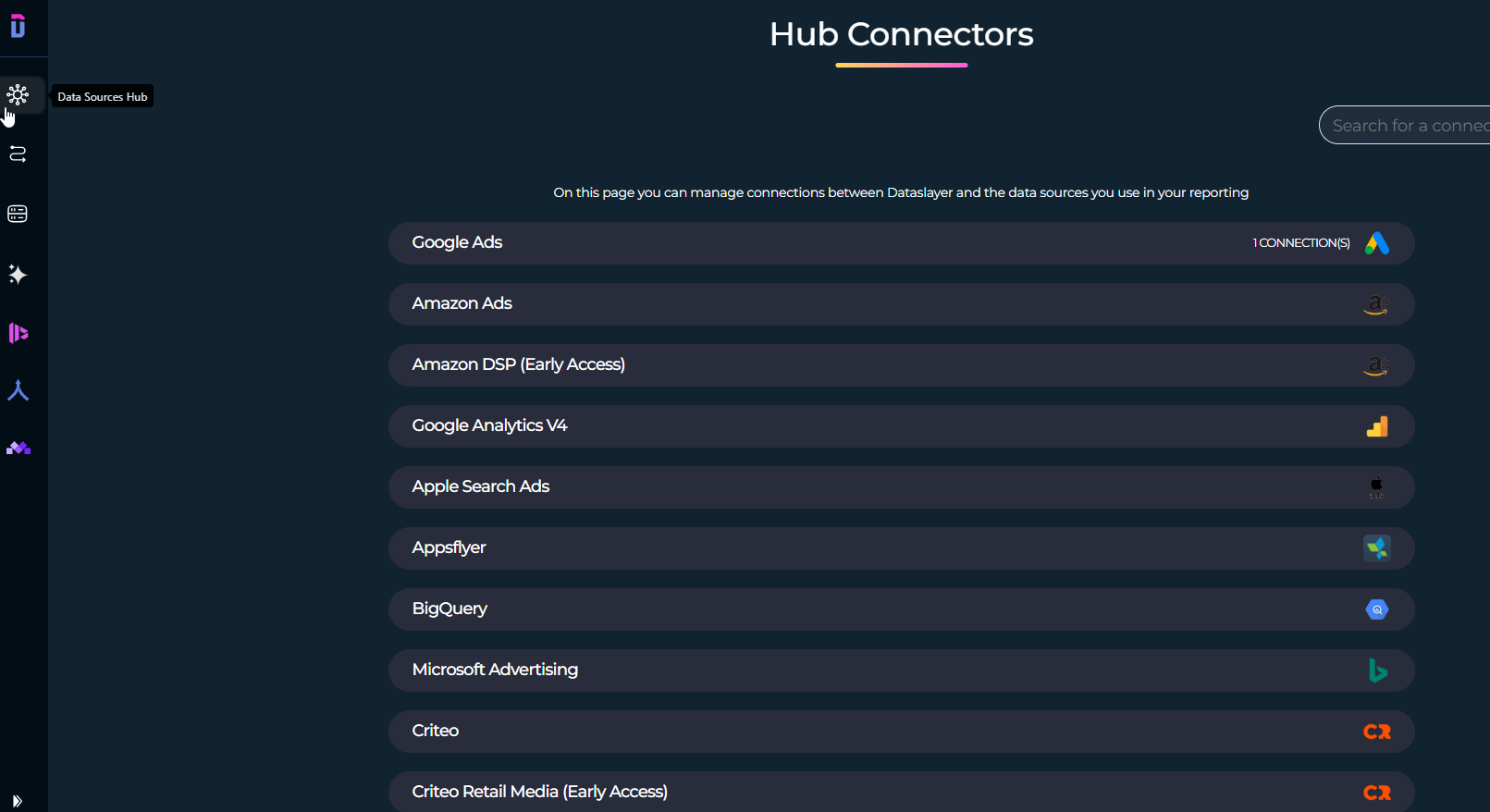
Once we’ve added our data sources, we’ve done the hard work!
Connect data sources in Looker Studio, and you’re good to go!
From there, all but the usual stuff. Create a new dashboard in Looker Studio, search for dataslayer.ai data sources, and pick the one(s) you want:
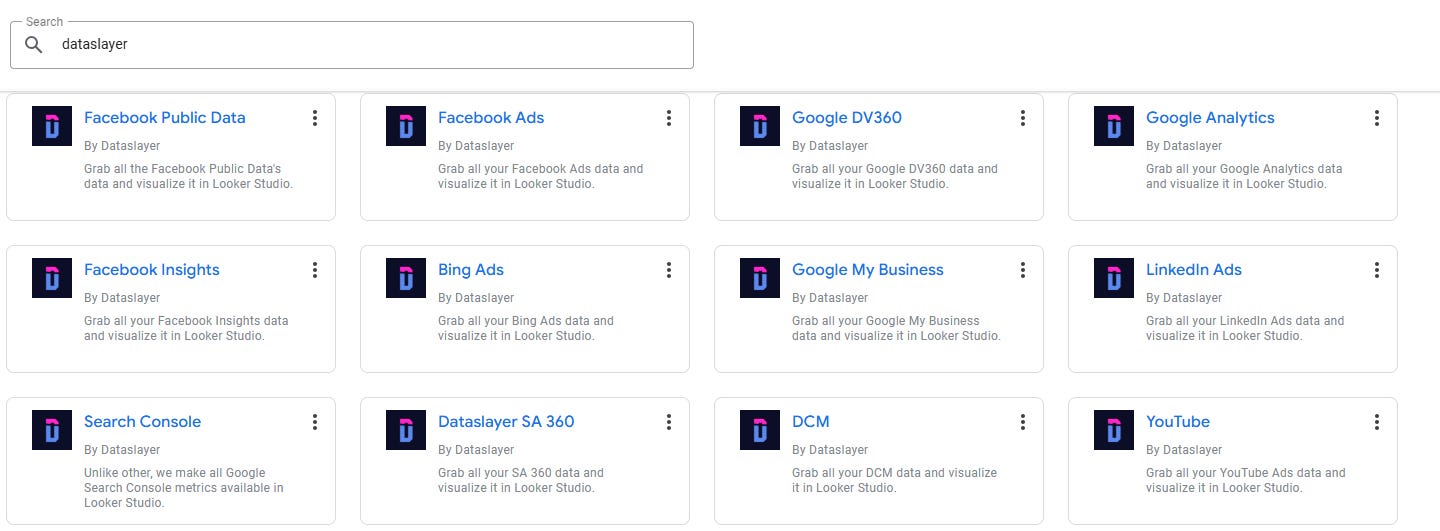
Authorize, pick your hub, your accounts, and start building marvelous dashboards! Performances are good, we haven’t experienced any lag when playing around, refreshes are fast and report handled data blending quite well (no dashboards were harmed in the testing of this software).
And now, time for the moment you’ve all been waiting for: pricing!
Disclaimer, we’ll be showing the yearly prices that come with a 20% discount, but if you prefer you can go for Monthly payment as well. So, here are the packs for Looker Studio:
Starter: 29€/month for 1 user, 3 data sources / 3 accounts with daily refreshes, best for solopreneurs that just need to analyze Shopify + Google Ads + Meta Ads for instance
Advanced: 99€/month for 10 users, 7 data sources / 50 accounts with hourly refreshes, which should be a fit for most micro businesses and SMBs, maybe even large enterprises. Also includes the GPT (you ask questions about your data, and it provides answers!)
Pro: 299€/month for unlimited users, 10 data sources / 100 accounts with hourly refreshes: Advanced plan, on steroids, good fit for agencies that manage their customers’ Ads accounts
Custom: if you know what you want, they will build it
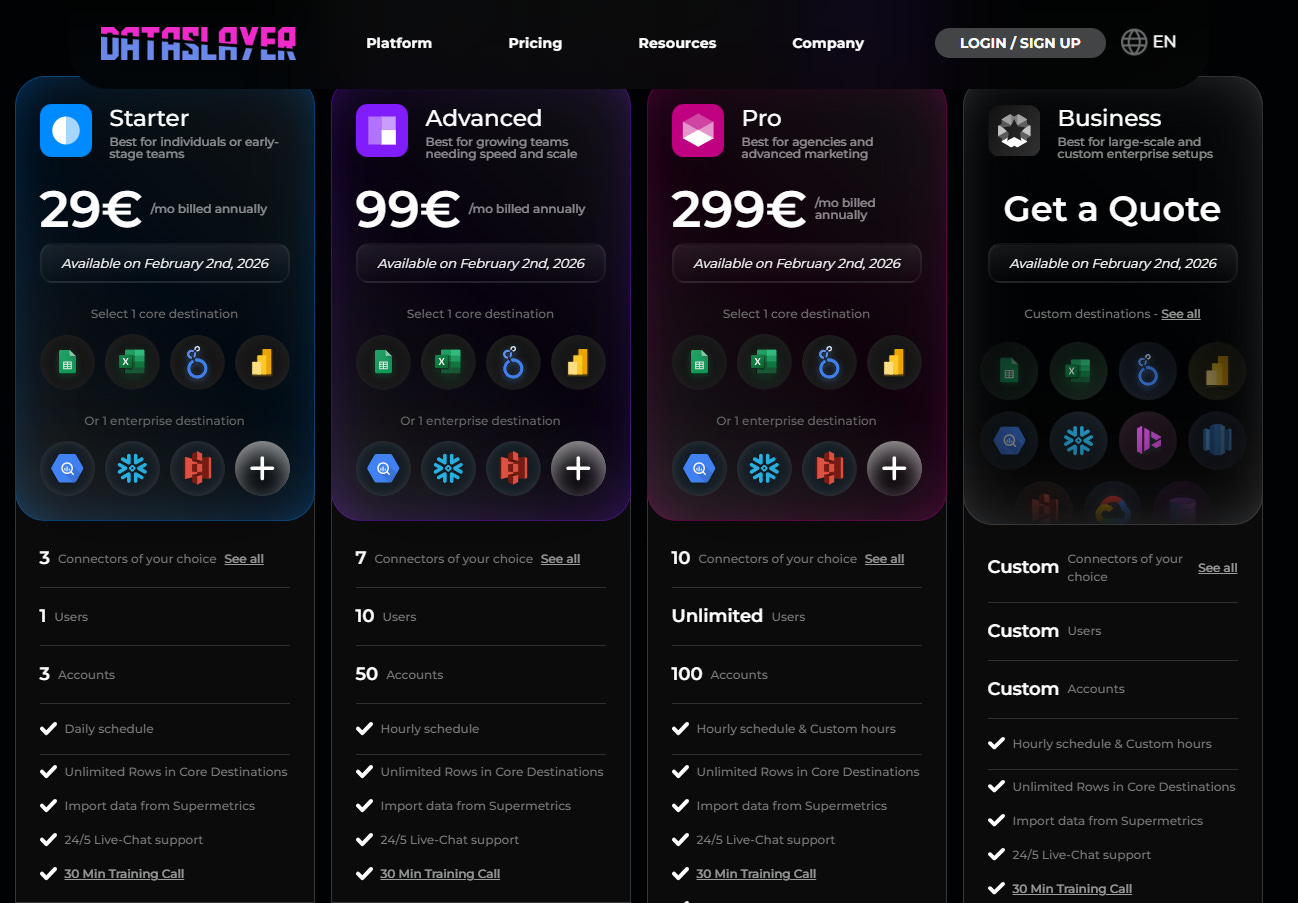
Last but not least, you can always pick a plan and add a user (+25€ each), a data source (+25€ each) or an account (+10€ each), so you don’t have to fully upgrade if you’re just reaching one limit.
Our final take
At the end of the day, here is a connector that does the job, with prices lower than market for similar features (we guess they want to attract new customers ^^), so definitively a good deal. Good interface and similar ease of use as competition, and the GPT to analyze your data and get all your questions answered, something you will want to learn about!
In this article, we made a review of dataslayer.ai, a Looker Studio connector with an AI touch!
PROBLEM SOLVED
Top Looker Studio connectors we love and use on a daily basis (all with free trials): PMA - Windsor - Supermetrics - Catchr - Funnel - Dataslayer. Reviews here and there.
Not sure which one to pick? Have a question? Need a pro to get a project done? Contact us on LinkedIn or by e-mail, and we’ll clear up any doubt you might have.
Looking for Looker Studio courses? We don’t have any… but you can check Udemy!
Communicate and browse privately. Check Proton Mail and Proton VPN
Website hosted by Tropical Server